Sick of the endless marketing chores that steal your time and energy? Imagine having a tool working behind the scenes to help you connect with your audience, increase sales and grow your business without you having to work constantly.
With the right marketing automation tool, it can be a reality. Discover the best marketing automation tools that will make your life easier and actually get results. Keep reading to discover the right fit for your needs and take your marketing game to the next level.
Best Marketing Automation Tools
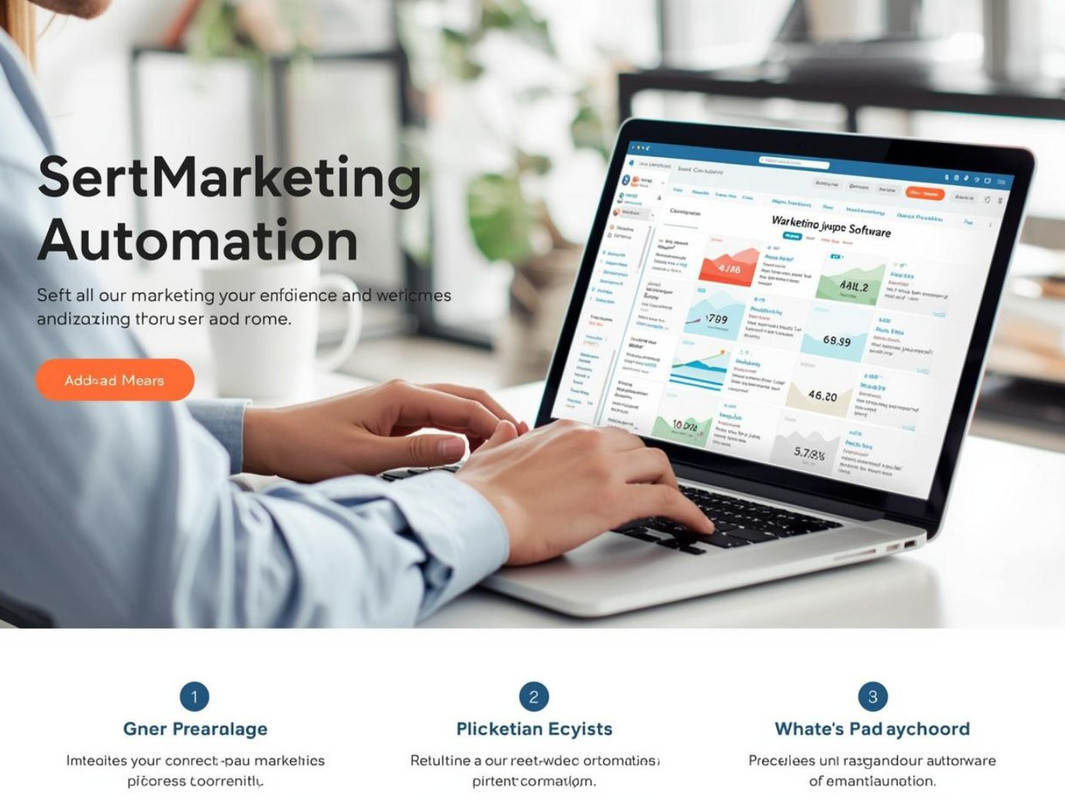
Top Marketing Automation Platforms help businesses to save time and improve their marketing results. These tools can automate repetitive tasks, like email campaigns, social media posting, and lead management. The right platform can increase sales and improve efficiency.
Hubspot Marketing Hub
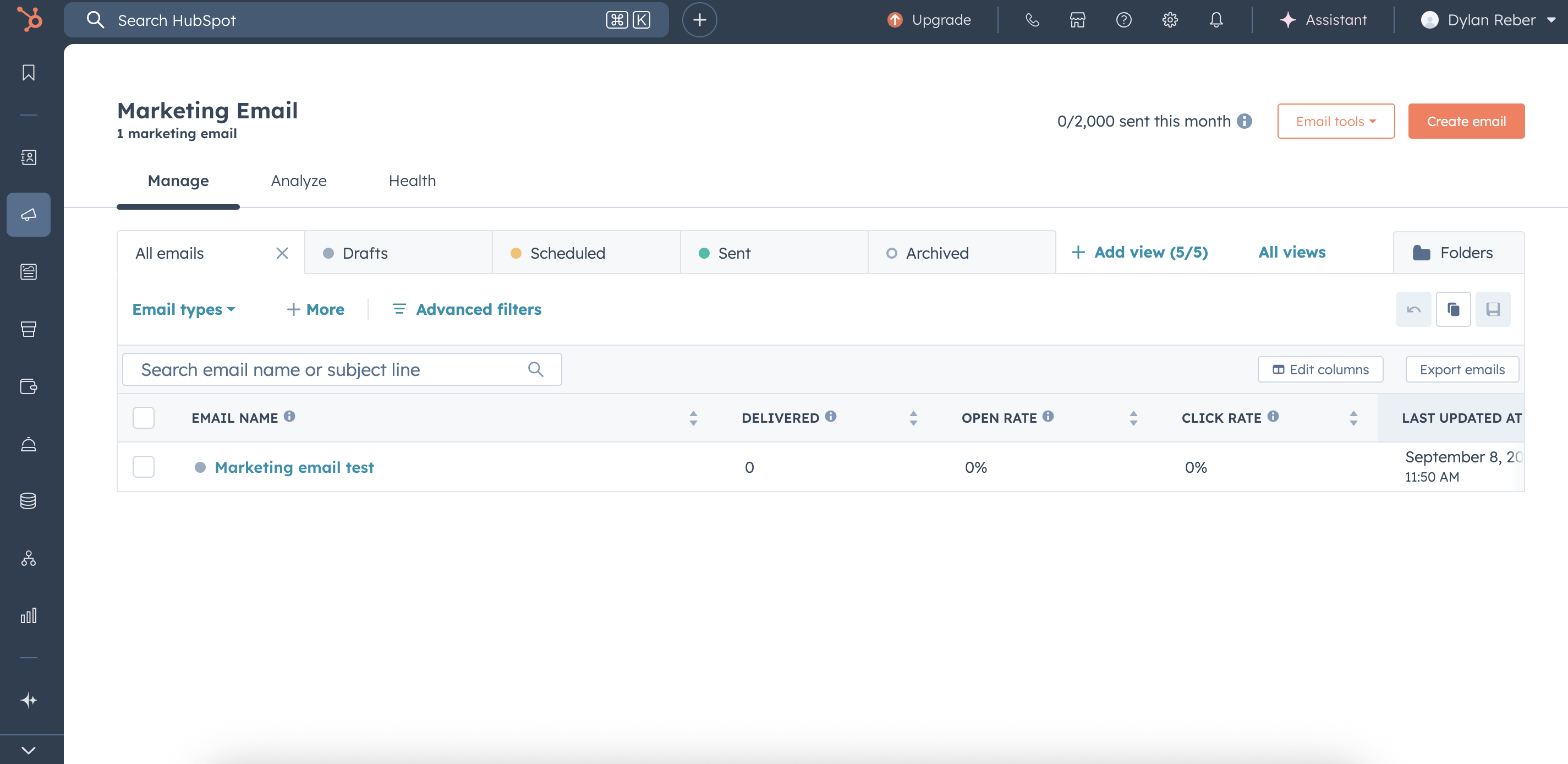
HubSpot Marketing Hub is recognized for its user-friendly interface and robust features. It provides tools for email marketing, lead tracking and analytics. No coding skills are needed for users to create customized campaigns.
Key features: include email automation, landing pages and CRM integration.
Best For: Small and medium businesses
Pricing: Free tier; paid tiers start at $45/month
Mailchimp
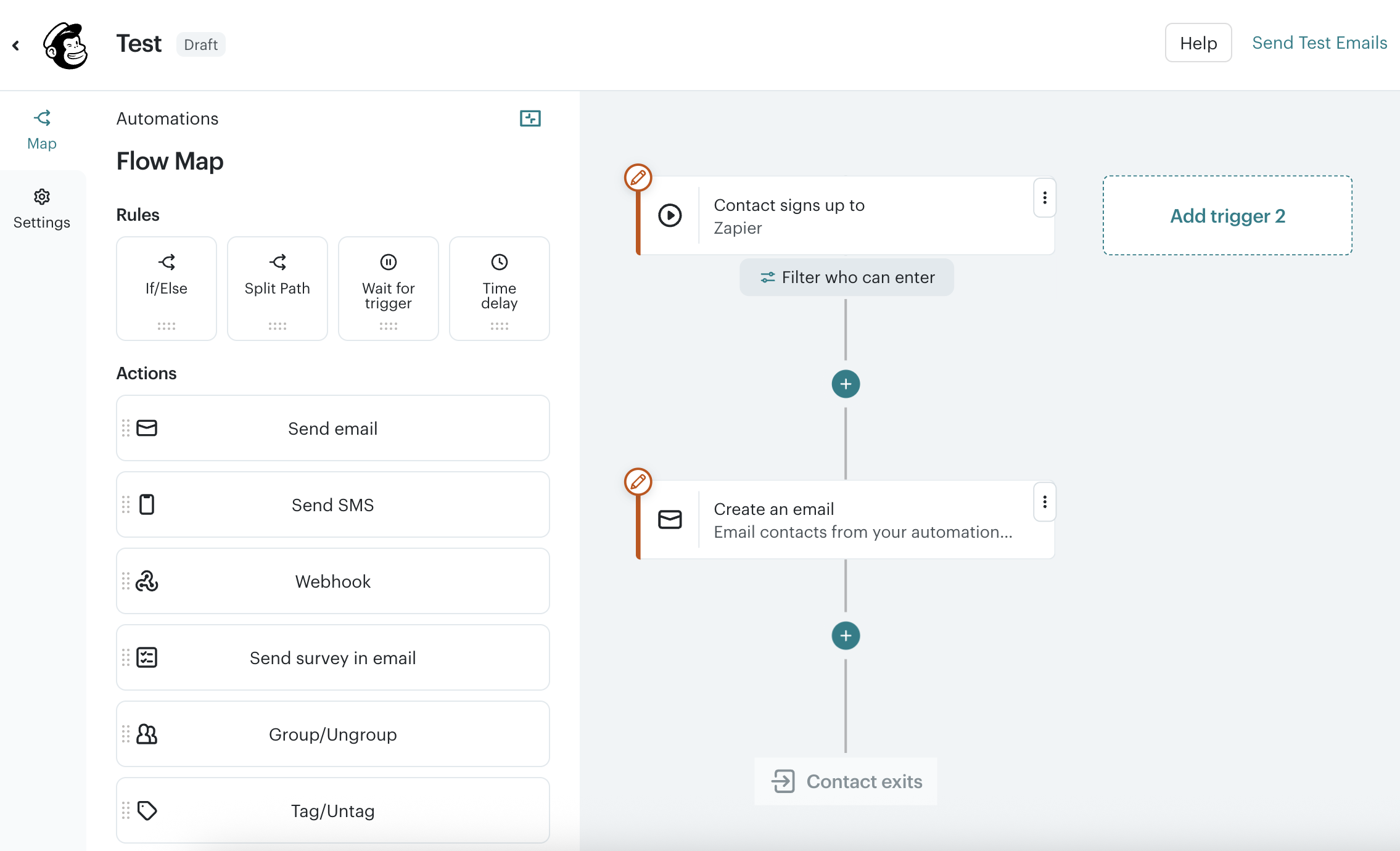
Mailchimp is famous for its user-friendly email marketing tools and automation workflows. It lets businesses send emails that are targeted to the behavior of the customers. The platform also supports social advertising and audience segmentation.
Main Features: Email sequences, audience insights, A/B testing
Best For: Small Business and Beginners
Pricing: Free plan and paid plans from $11/month.
Activecampaign
ActiveCampaign combines email marketing, automation, and CRM. It offers advanced automation with triggers and conditions. This platform suits businesses wanting detailed customer journeys.
- Key Features: Automated workflows, sales automation, messaging
- Best For: Growing businesses needing advanced automation
- Pricing: Plans start at $29/month
Marketo Engage
Marketo Engage is B2B marketing automation. It includes lead management, email marketing and analytics tools. Big companies use it often for complicated campaigns.
Key Features: Account-Based Marketing, Lead Scoring, Campaign Management
Best For: Large companies & enterprises
Pricing: Custom pricing according to business needs
Comparison Table Of Top Platforms
| Platform | Best For | Key Features | Starting Price |
|---|---|---|---|
| HubSpot Marketing Hub | Small to medium businesses | Email automation, landing pages, CRM | Free / $45/month |
| Mailchimp | Beginners and small businesses | Email sequences, audience insights, A/B testing | Free / $11/month |
| ActiveCampaign | Growing businesses | Automated workflows, sales automation | $29/month |
| Marketo Engage | Enterprises and large businesses | Lead scoring, ABM, campaign management | Custom pricing |
Hat to Watch For
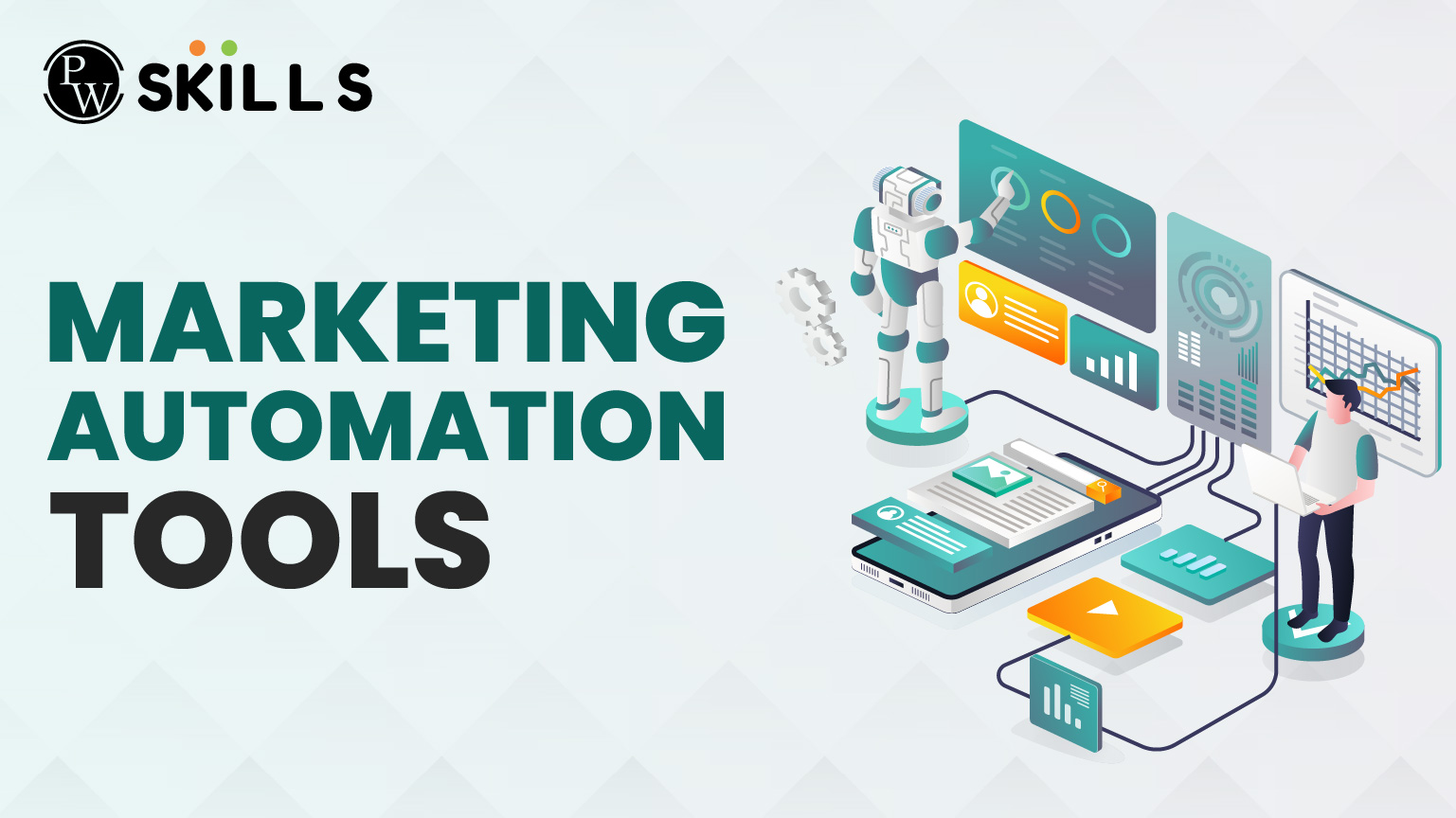
The best marketing automation tool is the one that has the best features to fit your business needs. These features save time, improve campaigns and increase sales. If you know what to look for, it’s easier to pick the right tool.
Credit: pwskills.com
Ease Of Use And User Interface
The tool should be easy to use. Work faster with a clean, clear interface. Easy navigation means less time learning, more time doing. Look for drag and drop builders and easy menus.
Lead Management And Segmentation
Good tools enable you to organize your contacts well. You need to be able to segment leads by behavior, location, interests, etc. It helps you get the right message to the right audience.” Automation lead scoring is a plus.
Multi-channel Campaign Support
The tool should support multiple marketing channels. Email, social, SMS and landing pages are typical. It keeps your data organized, saving you the hassle of running campaigns from one place.
Automation And Workflow Capabilities
Look for tools that enable you to build custom workflows. Triggers, actions and conditions are easily set. Automation reduces manual work and provides timely responses to customer actions.
Analytics And Reporting
You need to track performance. The tool should produce clear reports on campaign performance. Open rates, clicks and conversions are all important metrics. Visual charts and data export options make analysis much better.
Integration With Other Tools
Your automation tool should work with your existing software. The most important are CRM, e-commerce platforms and social tools. Smooth integration means that all your data gets along.
Customer Support And Resources
You can count on reliable support to solve problems fast. Verify whether the tool has live chat, tutorials or a knowledge base. Good support means less down-time and a better experience for you.
| Feature | Why It Matters | What to Check |
|---|---|---|
| Ease of Use | Faster adoption and less training | Simple interface, drag-and-drop, tutorials |
| Lead Management | Better targeting and personalization | Segmentation, lead scoring, contact tagging |
| Multi-Channel Support | Reach customers on preferred platforms | Email, SMS, social media, landing pages |
| Automation Workflows | Saves time, ensures timely actions | Custom triggers, actions, conditional logic |
| Analytics | Measures success and areas to improve | Reports, charts, export options |
| Integration | Keeps all marketing tools connected | CRM, e-commerce, social media platforms |
| Customer Support | Quick help and learning resources | Live chat, tutorials, help center |
Email Marketing Automation
Email marketing automation makes it easy to send emails to lots of people. It saves time and helps get the right message to the right person. You can use automated emails to welcome new subscribers, remind customers of their abandoned carts, and promote special offers. These tools can help businesses grow by making email campaigns easier and more efficient.
Email List Management
Managing an email list is the process of segmenting contacts. This allows for targeted messages based on interests or actions. Good tools allow you to:
- Import and export contacts easily
- Segment lists by behavior or demographics
- Remove inactive subscribers automatically
Managing lists improves email relevance and increases open rates.
Personalized Email Campaigns
Personalized emails strike a chord with readers. Automation tools enable you to:
- Use customer names in emails
- Send birthday or anniversary greetings
- Recommend products based on past purchases
This creates better engagement and stronger relationships.
Automation Workflows
Automation workflows are step-by-step email sequences sent automatically. They guide customers through actions like:
- Welcoming new subscribers
- Following up after purchases
- Re-engaging inactive users
Workflows save time and keep communication consistent.
Analytics And Reporting
Analytics show how well emails perform. Key metrics include:
| Metric | Description | Why It Matters |
|---|---|---|
| Open Rate | Percentage of people who open the email | Shows subject line effectiveness |
| Click-Through Rate | Percentage who click links inside the email | Measures engagement with content |
| Bounce Rate | Emails that could not be delivered | Helps maintain a healthy list |
| Unsubscribe Rate | People who opt out of emails | Indicates email relevance |
Good tools provide detailed reports to improve campaigns.
Social Media Automation Tools
Social media automation tools help businesses save time and keep their accounts active. These tools schedule posts, track engagement, and manage multiple platforms from one place. They make it easier to reach the right audience regularly without manual effort.
What Are Social Media Automation Tools?
These tools automate tasks like posting content, replying to comments, and tracking results. They support platforms such as Facebook, Twitter, Instagram, and LinkedIn. By automating routine work, teams focus more on creating quality content and strategy.
Key Features To Look For
- Scheduling: Plan posts in advance for consistent updates.
- Multi-platform support: Manage several social accounts from one dashboard.
- Analytics: Track engagement, clicks, and follower growth.
- Content library: Store and reuse posts easily.
- Team collaboration: Allow multiple users to work together.
Popular Social Media Automation Tools
| Tool | Main Features | Best For |
|---|---|---|
| Buffer | Simple scheduling, analytics, team collaboration | Small to medium businesses |
| Hootsuite | Multi-platform support, monitoring, reporting | Large teams and agencies |
| Later | Visual content calendar, Instagram focus | Visual brands and influencers |
| Sprout Social | Advanced analytics, customer engagement | Businesses needing deep insights |
Benefits Of Using Social Media Automation Tools
- Time-saving: Schedule posts once and publish automatically.
- Consistency: Maintain regular posting to engage followers.
- Better planning: Visual calendars help organize campaigns.
- Improved response: Manage comments and messages faster.
- Data-driven decisions: Use insights to improve content strategy.
Crm Integration Benefits
CRM integration with marketing automation tools improves how businesses manage customer data and campaigns. It connects sales and marketing teams by sharing real-time information. This connection leads to better customer experiences and more efficient marketing efforts.
Improved Customer Data Management
Integrating CRM with marketing tools centralizes customer data in one place. Teams can access:
- Contact details
- Purchase history
- Interaction records
This clear view helps create personalized marketing messages. It reduces errors and duplicate information.
Enhanced Lead Nurturing
CRM data enables marketing automation to send targeted messages based on customer behavior. For example:
- Follow-up emails after website visits
- Customized offers based on past purchases
- Timely reminders for abandoned carts
These actions increase chances of converting leads into buyers.
Better Sales And Marketing Alignment
CRM integration keeps sales and marketing teams on the same page. They can:
- Track lead status
- Share feedback easily
- Adjust campaigns based on sales data
This teamwork speeds up the sales process and improves results.
Automated Reporting And Analytics
With integrated CRM, businesses get clear reports on marketing performance. Reports include:
| Report Type | Benefit |
|---|---|
| Lead Conversion Rates | Shows which campaigns work best |
| Customer Engagement | Measures how customers interact with marketing |
| Sales Forecasting | Helps predict future revenue |
These insights help optimize marketing strategies quickly.
Pricing Models Compared
Choosing the right marketing automation tool depends a lot on its pricing model. Costs vary widely based on features, users, or contacts. Understanding these pricing models helps pick the best fit for your budget and needs. This section compares common pricing structures among popular marketing automation tools.
Subscription-based Pricing
This is the most popular pricing model. You pay a fixed fee monthly or yearly. Prices often change based on the number of users or contacts.
- Simple and predictable costs.
- Good for teams with steady growth.
- May include multiple tiers with different features.
Example: Basic plan for 1,000 contacts costs $50/month, while advanced plans with more contacts cost more.
Pay-as-you-go Pricing
This model charges based on actual usage. It suits businesses with irregular or low email volumes.
- Costs depend on emails sent or actions performed.
- No fixed monthly fees.
- Flexible but less predictable expenses.
Ideal for startups or small campaigns that do not send emails frequently.
Feature-based Pricing
Costs depend on the features included. Basic plans offer core tools, while higher tiers unlock advanced functions.
- Core features like email marketing and automation are in lower tiers.
- Advanced features like CRM integration and analytics come in higher tiers.
- Allows scaling based on feature needs, not just contacts.
Custom Pricing
Large companies often get custom pricing. This model suits businesses needing special features or large contact lists.
| Type | Who It Fits | Benefits | Drawbacks |
|---|---|---|---|
| Subscription-Based | Small to medium teams | Predictable costs, easy to budget | May become expensive as contacts grow |
| Pay-As-You-Go | Startups, irregular senders | Only pay for what you use | Costs can spike unexpectedly |
| Feature-Based | Businesses needing specific tools | Pay for features you actually use | Can be confusing to choose the right tier |
| Custom Pricing | Large enterprises | Tailored solutions, volume discounts | Requires negotiation, less transparent |
User Experience And Support
User Experience and Support play a crucial role in choosing the best marketing automation tools. A tool may have great features but poor usability can slow down your work. Good support helps solve problems fast and keeps your campaigns running smoothly. Both factors save time and reduce frustration for marketers.
User-friendly Interface
The best marketing automation tools offer clean and simple interfaces. Users can navigate through features without confusion. Clear menus and visual workflows help create campaigns quickly. Drag-and-drop builders make designing emails and automations easier. Intuitive design means less training and faster adoption by teams.
Responsive Customer Support
Reliable support is vital when technical issues arise. Top tools provide multiple support channels such as live chat, email, and phone. Fast response times prevent delays in marketing tasks. Many platforms offer 24/7 support or extensive knowledge bases. Helpful customer service reduces downtime and improves user confidence.
Learning Resources And Community
Learning resources help users understand and use tools effectively. The best platforms include:
- Video tutorials
- Step-by-step guides
- Webinars and FAQs
Active user communities and forums allow sharing tips and solutions. This peer support often answers common questions faster than official channels.
Mobile Experience
Marketing tasks happen everywhere. Tools with mobile-friendly interfaces or apps let users manage campaigns on the go. Mobile access improves flexibility and ensures marketers stay productive outside the office.
| Feature | Why It Matters | Example Benefits |
|---|---|---|
| User-Friendly Interface | Makes automation easy to learn and use | Less training time, faster campaign setup |
| Responsive Customer Support | Helps resolve issues quickly | Reduced downtime, smoother marketing operations |
| Learning Resources and Community | Supports continuous learning and troubleshooting | Better tool usage, peer advice |
| Mobile Experience | Enables work from anywhere | Increased flexibility, timely campaign management |
Automation For Small Businesses
Marketing automation helps small businesses save time and work smarter. It automates repetitive tasks like emails, social media posts, and customer follow-ups. This lets small teams focus on growing their business. Simple tools can make a big difference without needing a big budget or technical skills.
What Small Businesses Need From Automation
Small businesses need tools that are easy to use and affordable. They want automation that helps with:
- Managing contacts and leads
- Sending emails and newsletters
- Scheduling social media posts
- Tracking customer interactions
- Measuring marketing results
Tools that combine these features save time and reduce mistakes.
Top Features To Look For In Small Business Tools
| Feature | Why It Matters |
|---|---|
| User-friendly Interface | Easy to learn and use with no coding skills needed |
| Affordable Pricing | Fits small budgets and offers good value |
| Multi-channel Support | Automates email, social media, and other channels |
| Analytics and Reporting | Shows what works and helps improve marketing |
| Customer Support | Helps solve problems quickly when needed |
Examples Of Automation Tasks For Small Businesses
- Welcome Emails: Send automated greetings to new subscribers.
- Social Media Scheduling: Post updates automatically at the best times.
- Follow-up Reminders: Remind customers about appointments or sales.
- Lead Scoring: Identify the most interested customers automatically.
- Customer Surveys: Send feedback forms after purchases.
Benefits Of Automation For Small Business Growth
Automation helps small businesses:
- Save Time: Less manual work means more focus on customers.
- Increase Efficiency: Tasks get done faster and without errors.
- Boost Sales: Timely messages help close more deals.
- Improve Customer Experience: Personalized communication keeps customers happy.
Future Trends In Marketing Automation
Marketing automation tools continue to evolve quickly. The future holds exciting changes that will help businesses connect with customers better. These tools will become smarter and easier to use. They will save time, increase sales, and improve customer experience.
Artificial Intelligence And Machine Learning Integration
AI and machine learning will play a bigger role in marketing automation. These technologies analyze data to predict customer behavior. They help create personalized messages and offers automatically.
- AI can segment audiences more precisely.
- Machine learning improves campaign performance over time.
- Chatbots powered by AI provide quick customer support.
This means marketing will become more relevant and effective for each customer.
Increased Use Of Omnichannel Marketing
Future tools will better manage multiple channels at once. This includes email, social media, SMS, and websites. Customers will get a consistent message no matter where they interact.
- Track customer activity across all platforms.
- Automate messages based on customer behavior.
- Measure success with unified reports.
This helps brands build stronger relationships with their audience.
Greater Focus On Data Privacy And Compliance
New laws and rules about data use are appearing worldwide. Marketing automation tools will adapt to protect customer data. They will include features that help businesses follow privacy laws easily.
| Feature | Purpose |
|---|---|
| Consent management | Collect and store customer permissions |
| Data encryption | Keep customer information secure |
| Automated compliance reports | Show proof of following data laws |
Respecting privacy will build customer trust and protect businesses from fines.
Advanced Personalization Beyond Basic Segmentation
Future tools will offer deep personalization based on detailed customer data. This goes beyond age or location. It includes interests, habits, and purchase history.
- Dynamic content changes in real time.
- Product recommendations tailored to each user.
- Personalized timing for sending messages.
Such personalization leads to higher engagement and sales.
Credit: zapier.com
Credit: zapier.com
Common Questions
What Do Marketing Automation Tools Really Do?
Marketing Automation Tools: automates routine marketing activities such as email, social media and lead management.
What Features Should I Look For In Marketing Automation Tools?
Consider user-friendliness, email marketing, lead scoring, analytics and integration with other software.
Can Marketing Automation Improve Customer Engagement?
Yes, it sends relevant messages at the right time to keep the customers interested and engaged.
Are Marketing Automation Tools Right For Small Businesses?
Yes, there are many tools that have affordable plans for small businesses that have basic marketing needs.
Marketing automation tools can be a real time-saver for marketers?
They automate things such as sending emails and social media posts, reducing the amount of manual work and errors.
Conclusion
Selecting a marketing automation tool can save you time and energy. These tools make it easy to manage your campaigns and track your results. Begin with one that suits your budget and needs. Try the features before you buy. Remember, the best tool clearly supports your goals.
Let automation handle your business growth. Keep going and see your marketing get better and better.